Courses and assignments
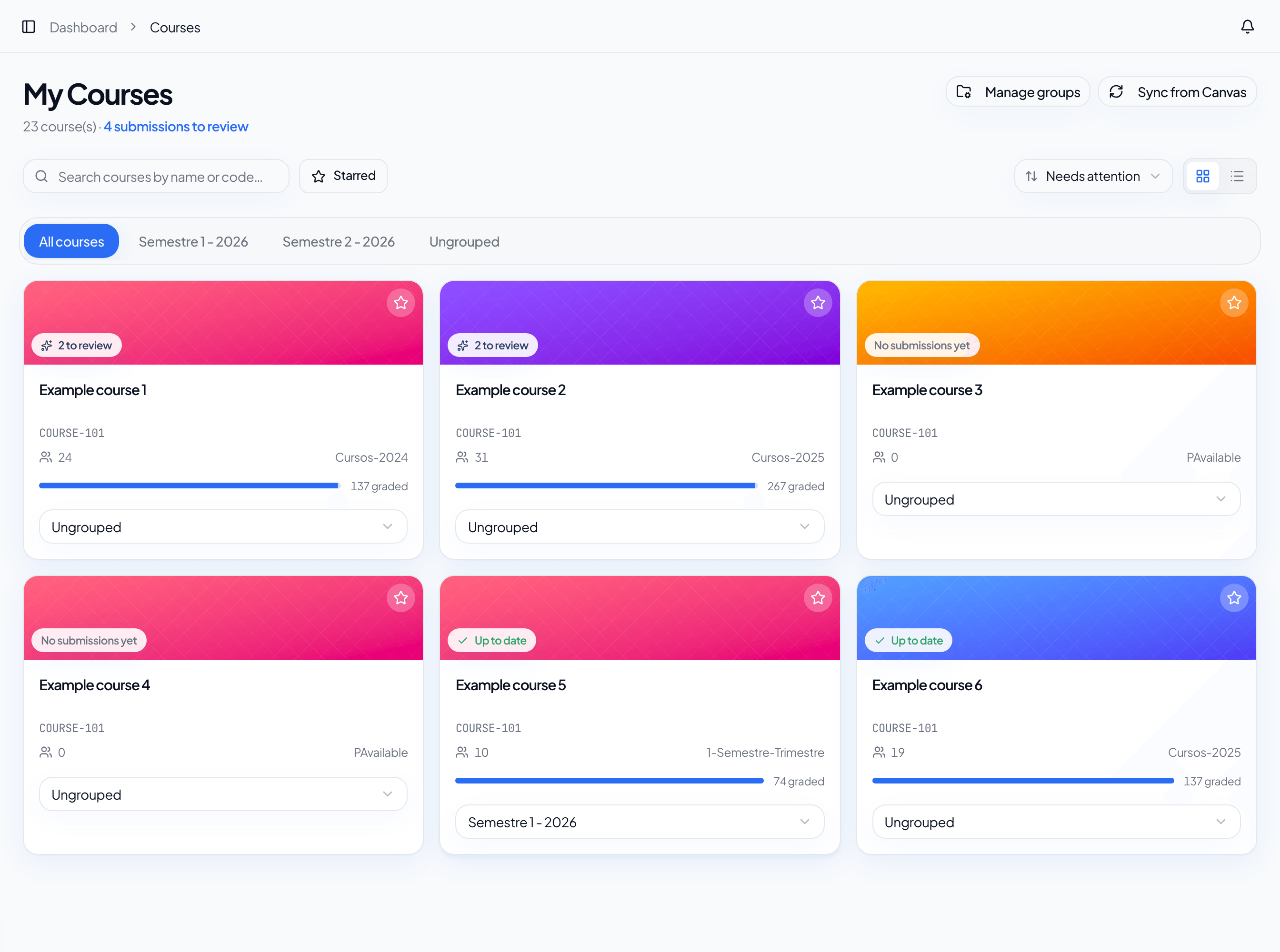
The Courses page is the entry point for daily work. From there you can search courses, switch between grid and list views, star favorites, organize groups, and open each course's assignments.
Courses
Each course shows progress information so you can quickly see pending submissions or up-to-date work. You can:
- search by name or code;
- sort by courses that need attention;
- mark courses as favorites;
- organize courses into custom groups.
Assignments
When you open a course, Auliqo shows assignments and their review workflow state. The main states are:
- Missing rubric: the assignment needs a rubric before AI review.
- Not started: submissions are ready, but AI review has not run.
- In AI review: review is queued or running.
- AI drafted: AI finished and the review is ready to confirm.
- Up to date: submissions have resolved grades.
Sync
Auliqo updates courses and assignments automatically, but you can also start a manual sync after changing something in your LMS. Use manual sync after creating an assignment, editing a description, adding a rubric, or waiting for new submissions.
Open submissions
Open an assignment and go to the submissions tab to see students, delivery status, grading status, and available actions. From that view you can select one submission, multiple submissions for bulk review, or multiple submissions for publishing.